Introduction to secureFlows
secureFlows is a private user data storage service with end-to-end security isolation. It ensures that user data is architecturally isolated and encrypted, even from workspace owners.
Workspaces are the primary isolation boundary for your applications and data.
Select Workspace Management on the navigation bar.
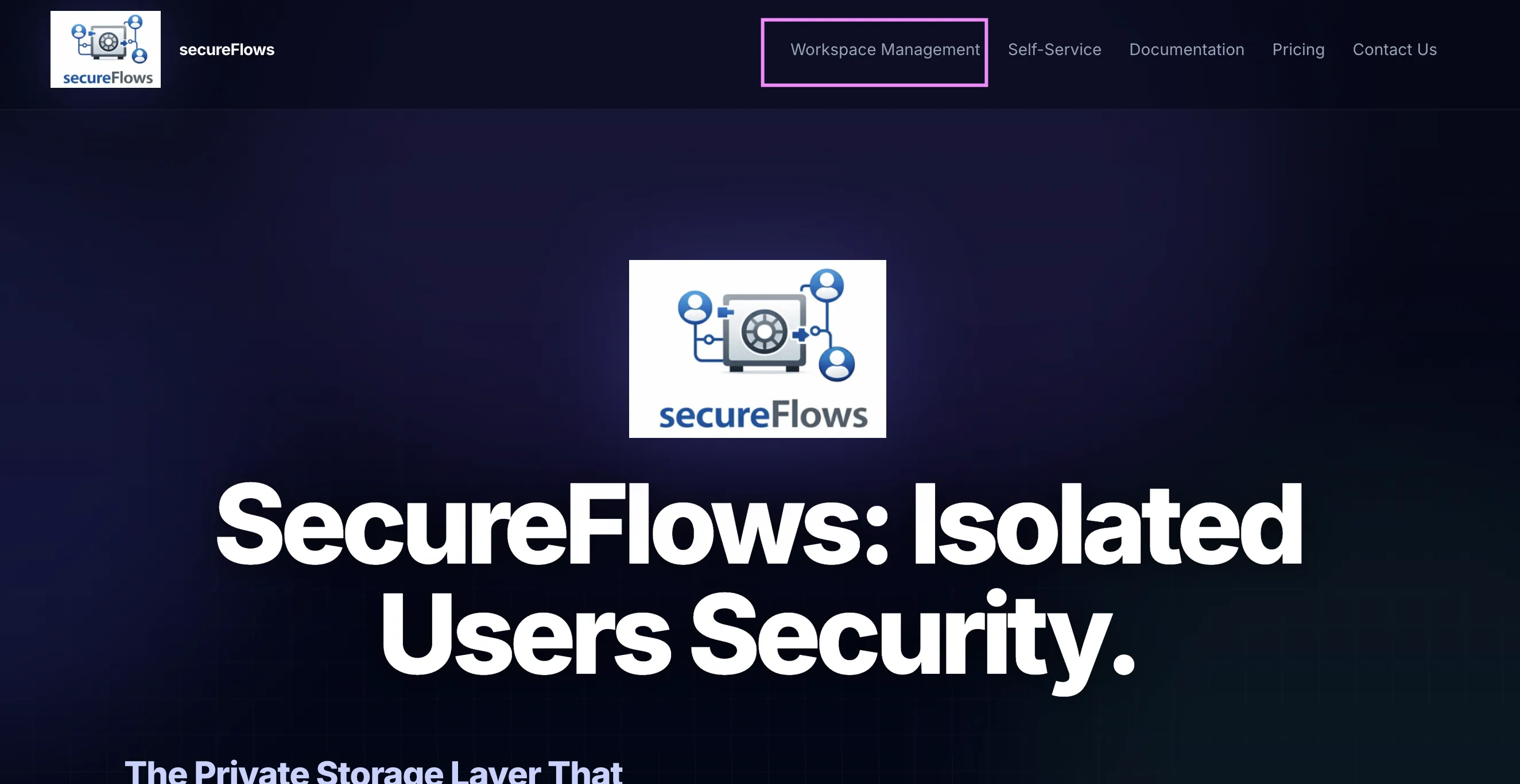
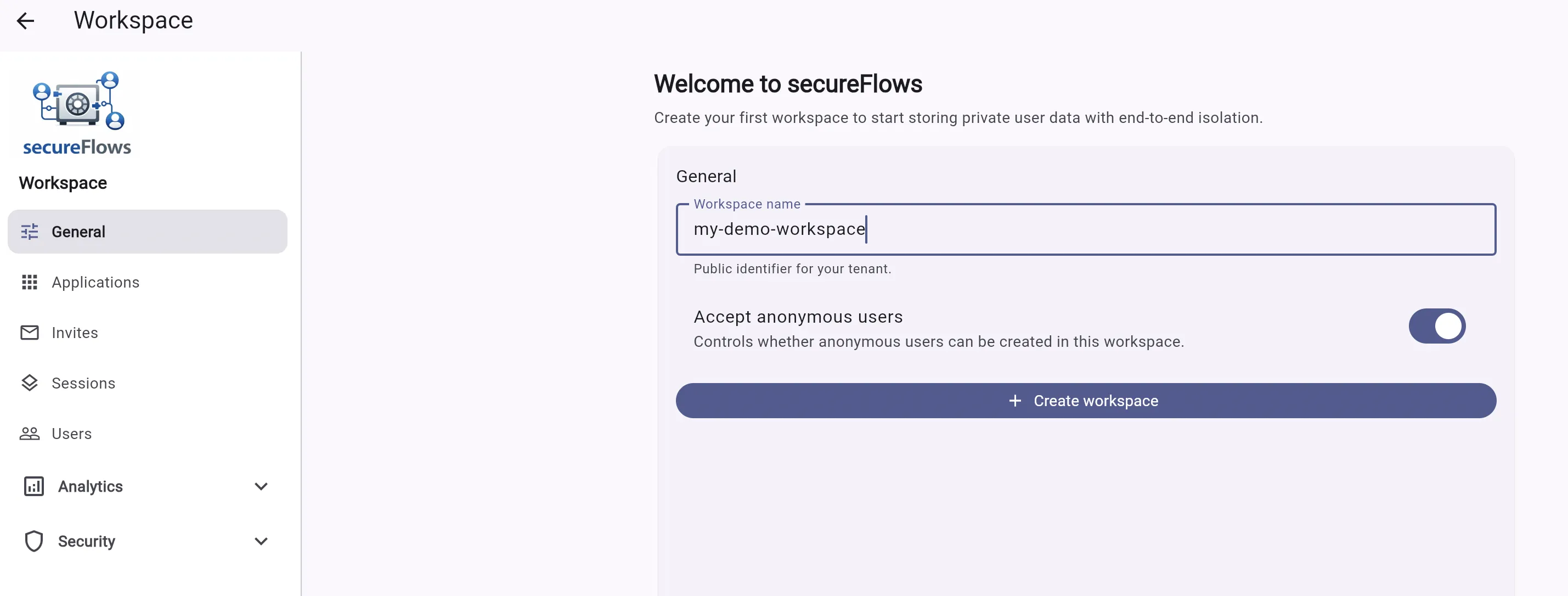
This is the administrative console for creating and configuring your workspace.
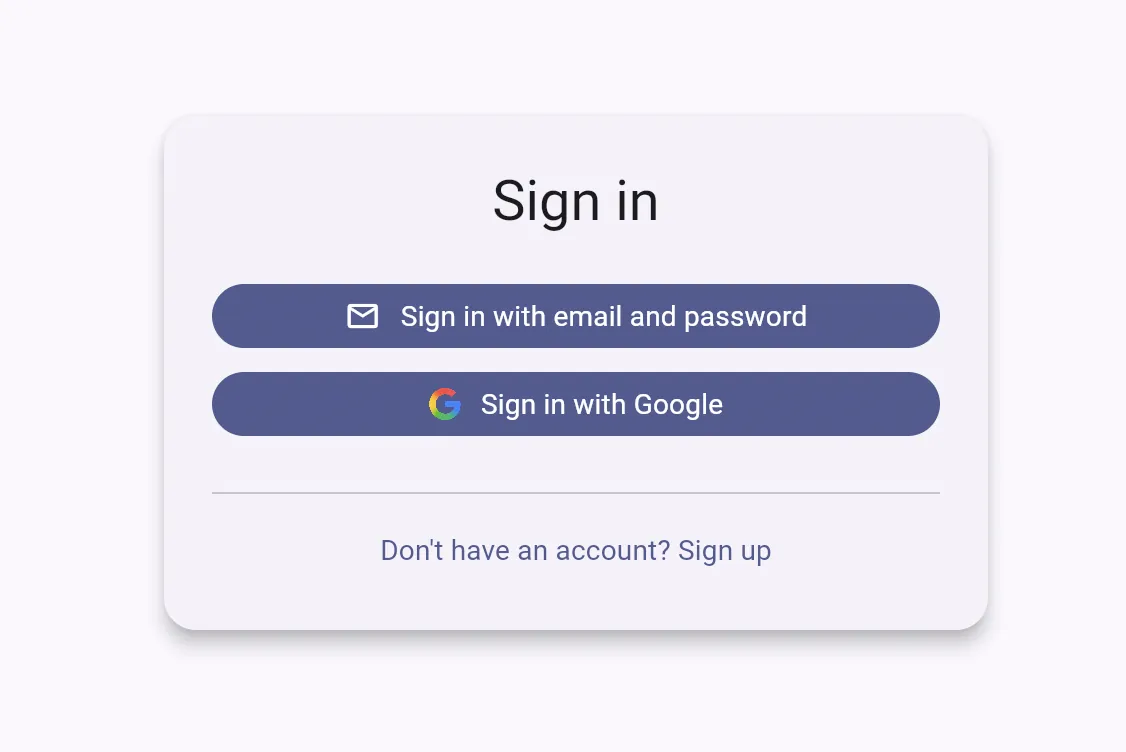
Sign in with your Google account. Don't have an accunt? Use "sign up" and create a new account.
Enter a workspace name and click "+ Create Workspace". If the name is already taken, you'll be prompted to choose a different one.
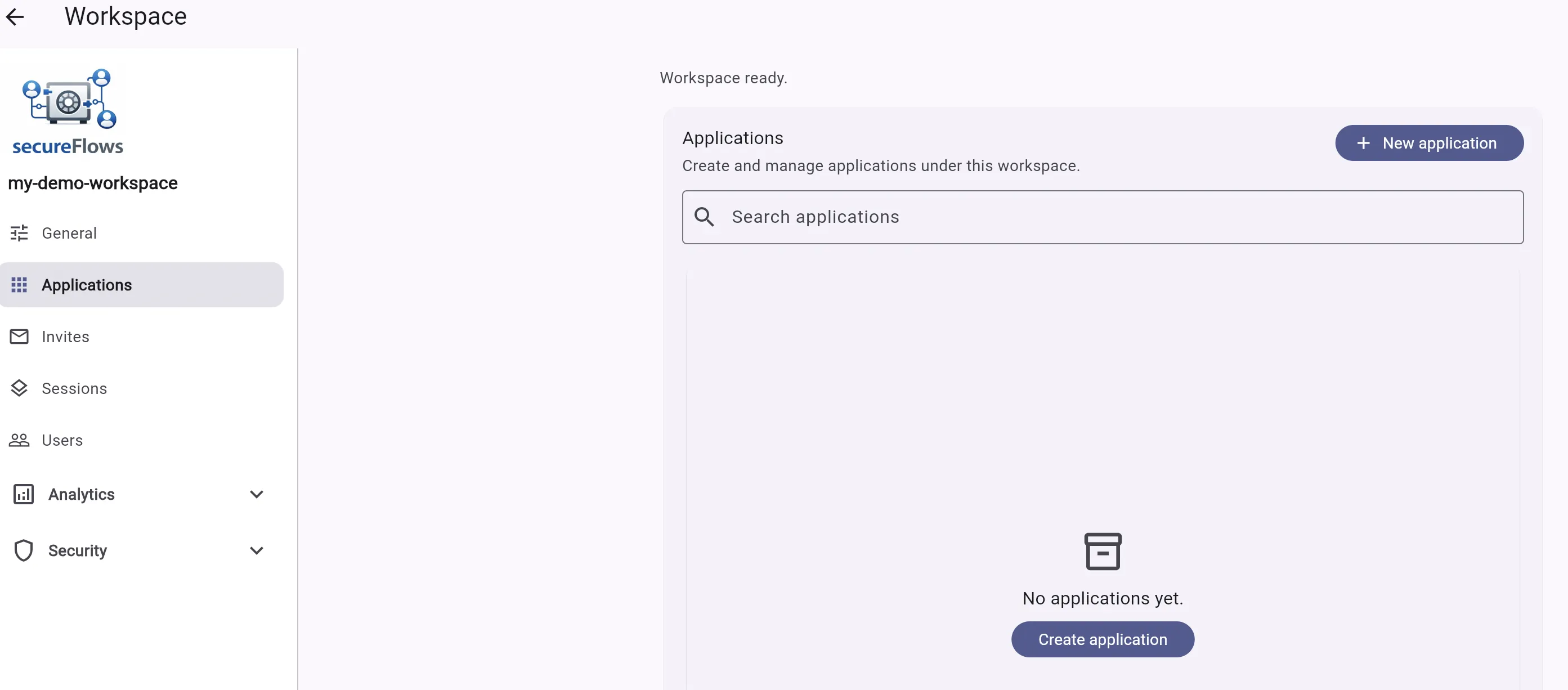
Navigate to "Applications" tab, and select "+ Create application"
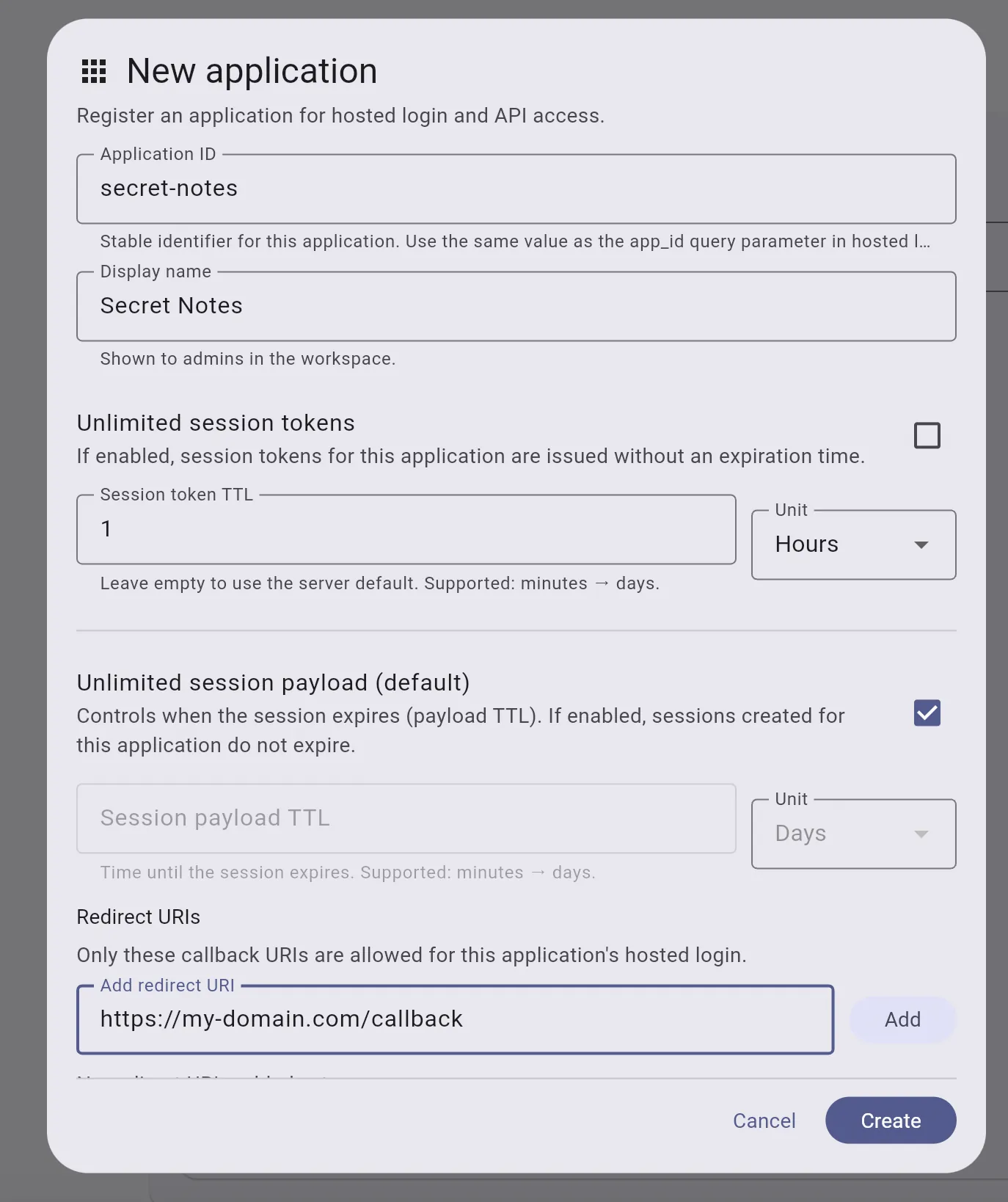
Choose any Application ID and Display Name for your app. Then add a Redirect URL — this is the page in your app where users land after a successful login (e.g.
https://your-domain.com/callback). secureFlows uses this to prevent hijacked logins: it will only redirect users to URLs you've explicitly approved. Leave all other fields as default, then click Create.
If you're using a hosted AI coding tool like Lovable or Base44, the callback URL isn't always obvious upfront. Don't worry — you don't need to guess. Just attempt to sign in, and if the redirect URL isn't on your allowlist yet, secureFlows will show you an error with the exact URL you need to add. Simply copy it, add it to your application settings, and try again.
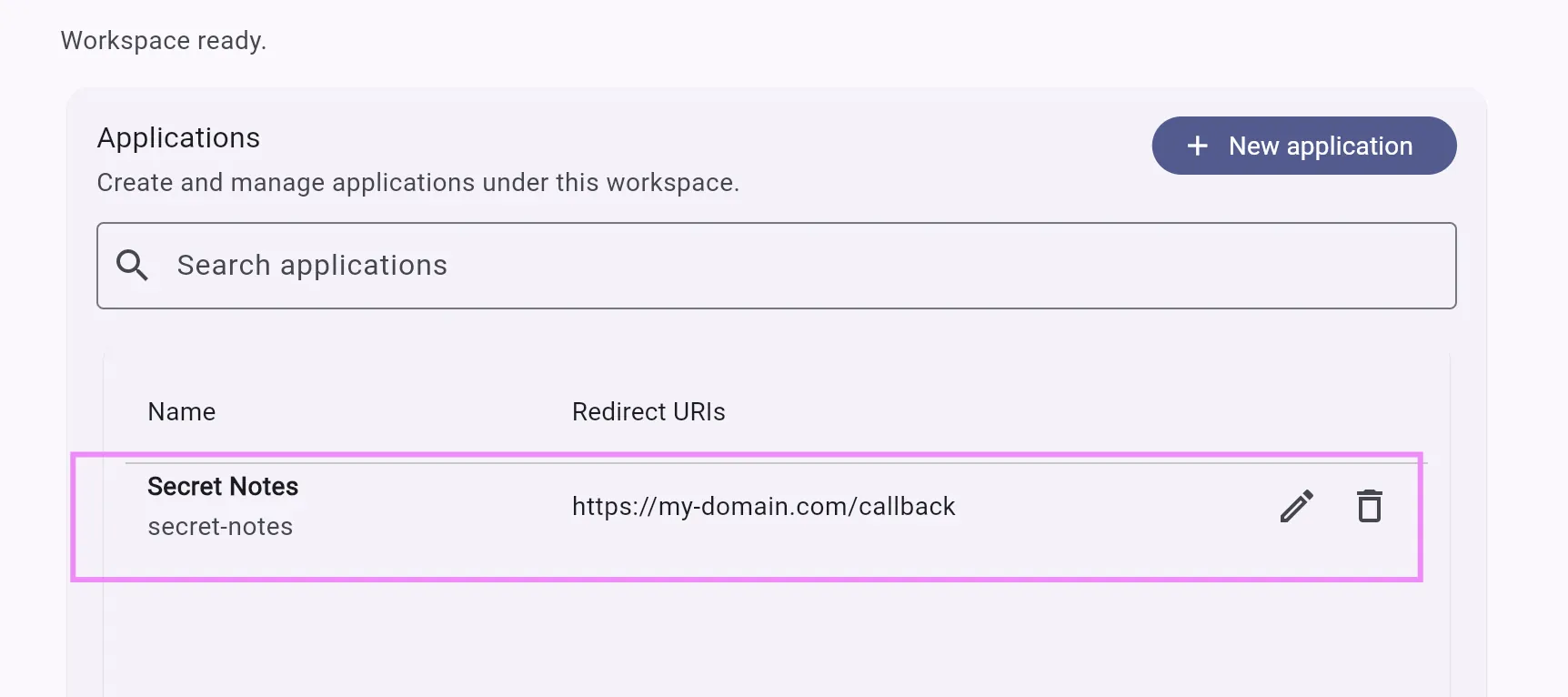
Your new application was added to the applications list
secureFlows gives your users a secure, fully isolated key-value store — private by design, with no risk of data leaking between users.
To build with it using an AI coding tool:
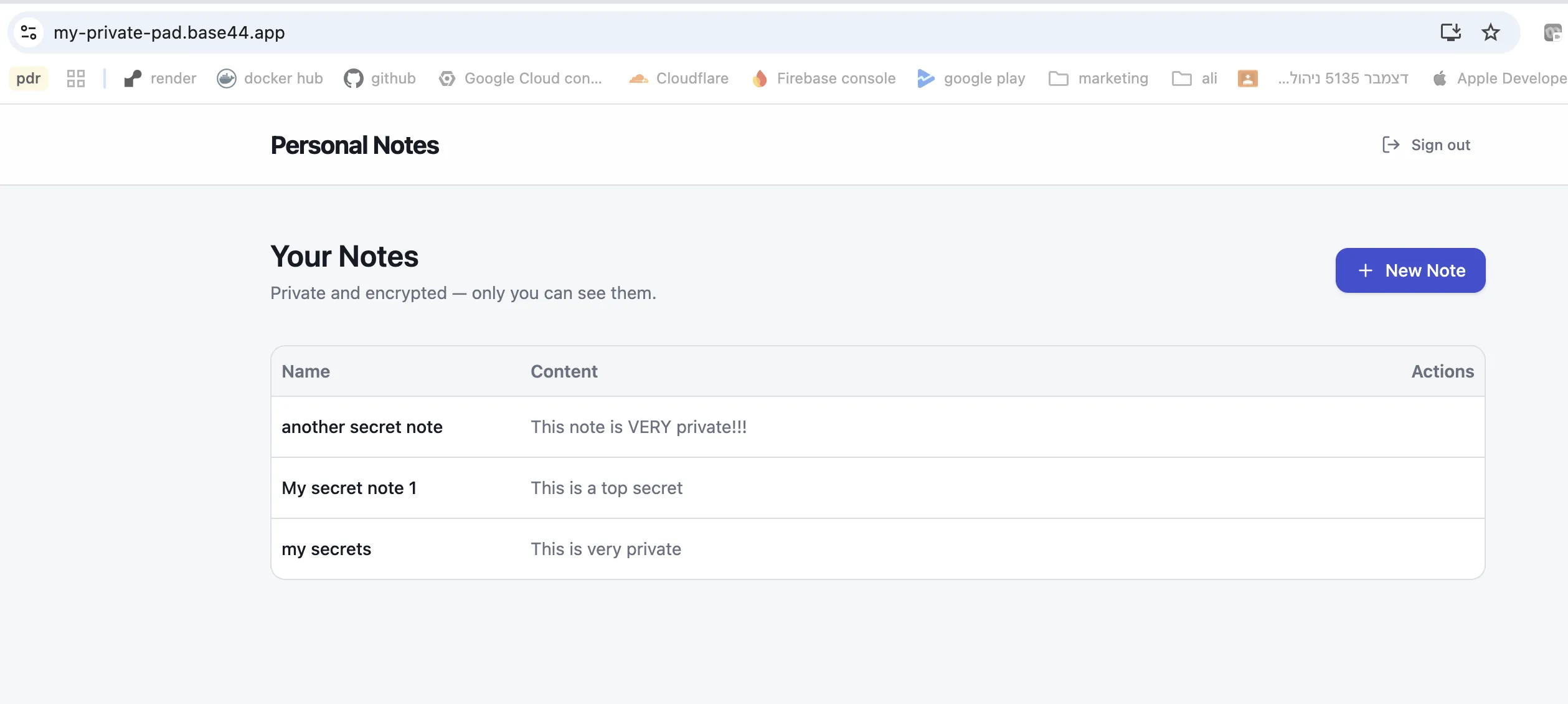
For this demo, we'll build a simple web app called Personal Notes.
Build a web app called "Personal Notes”, using secureFlows for auth and data storage (read https://www.secure-flows.com/ai/secureflows-integration/SKILL.md). The app lets users sign in and manage their own private notes. Each note has a name (unique per user) and a content. Use the note name as a key and the content as a value. Notes are private — users can only ever see their own. The UI has a single screen: - A notes screen showing a table of the user's notes with columns: name, content, and actions. Actions are Edit and Delete. A "New Note" button opens a form to create a note. Clicking Edit opens the same form pre-filled. The form has a name field, a content field, and a Save button. - Display the user “sign out” option Use: workspace = my-demo-workspace appId = secret-notes
For example, here's what Base44 generated using this exact prompt — with my own workspace and application already set up: https://my-private-pad.base44.app/
Reference Postman collection for the full public API flow — the same file validated in CI as
SecureFlowsSanityTest.
Download to inspect examples; it is not runnable from this site (requires your own Firebase API key and account credentials).