Security · Slides
The Safe Facility: What User Security Is, Without a Single Technical Word
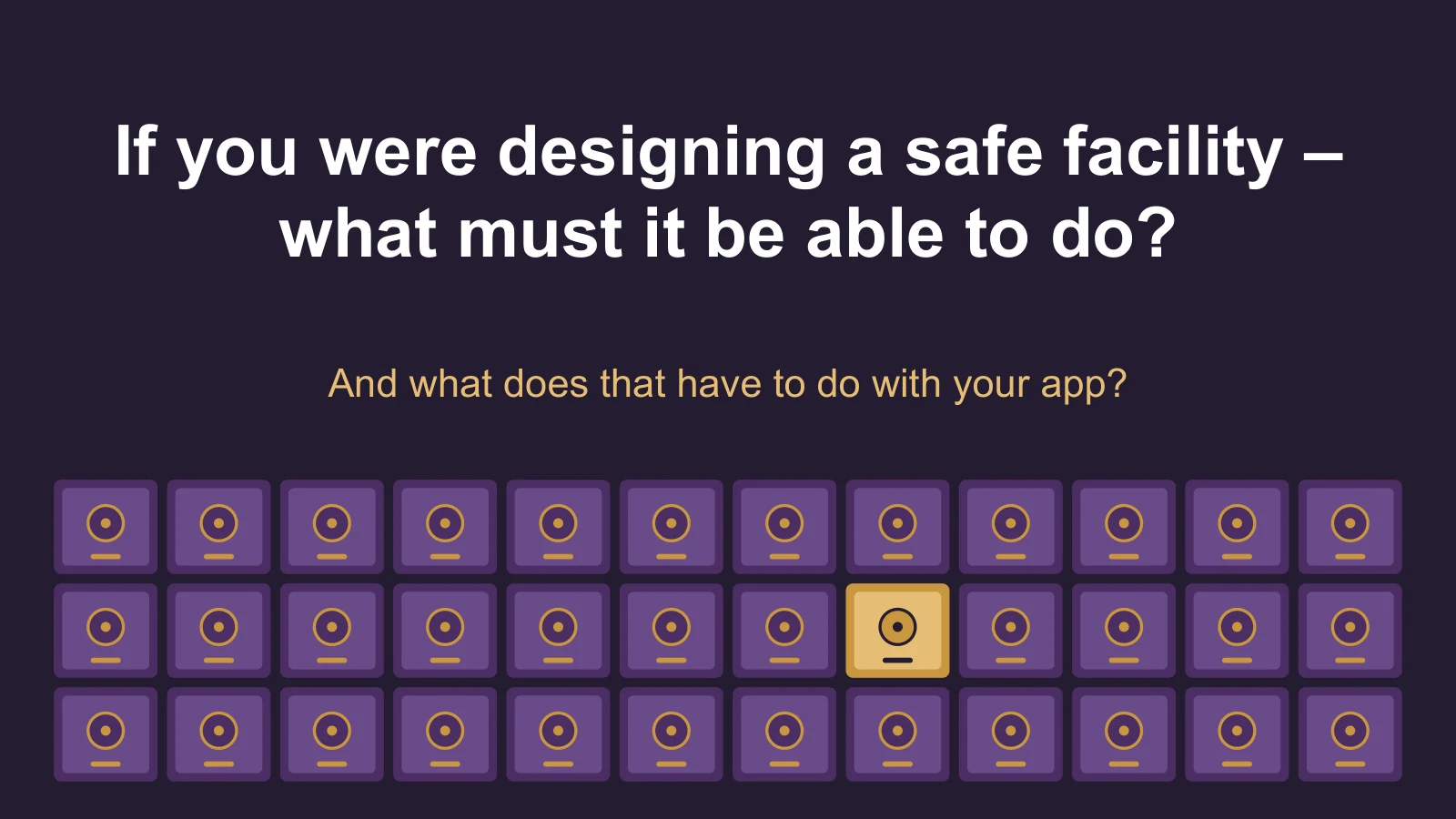
Let's forget apps, passwords and hackers for a moment. Instead, we'll design a physical facility with 100 personal safes together — and ask what it must be able to do. In the end we'll discover that the requirements we defined are exactly the basic requirements of User Security: how a system makes sure each user gets access only to what belongs to her, and only to what she is allowed to do.
The task
We have 100 personal safes. Each user has a safe of her own. She has to be able to open it — but she must never, under any circumstances, open anyone else's.
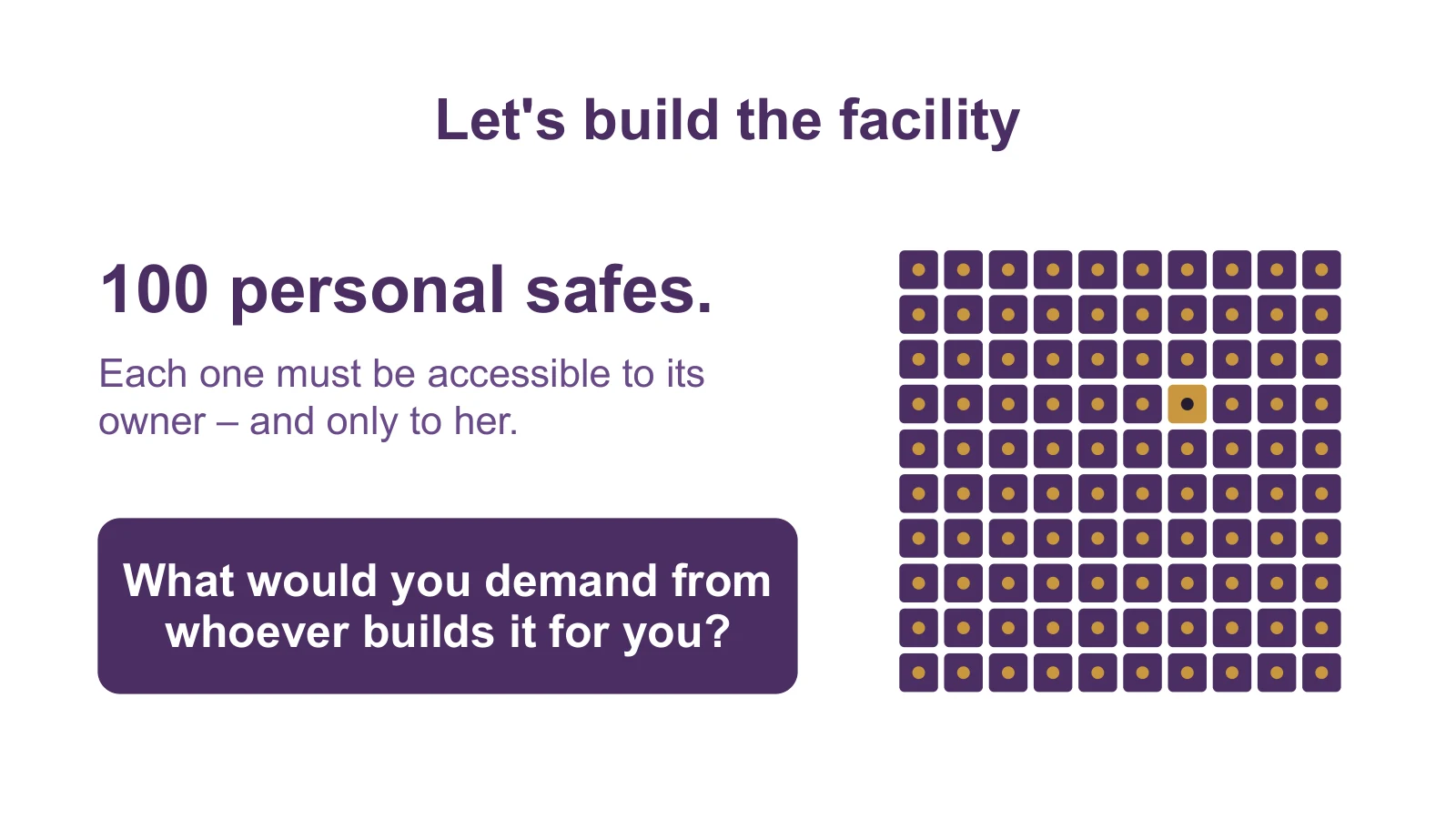
Pause for a moment before you keep reading: what would you demand from whoever builds the facility for you? Here are the requirements that come out, one by one.
1. How does the facility know who is standing in front of it?
The first requirement is almost self-evident: the facility has to identify whoever is standing in front of it. There are many ways to do that — a code, a key, a card, a fingerprint, face recognition, and even a confirmation in a phone app.
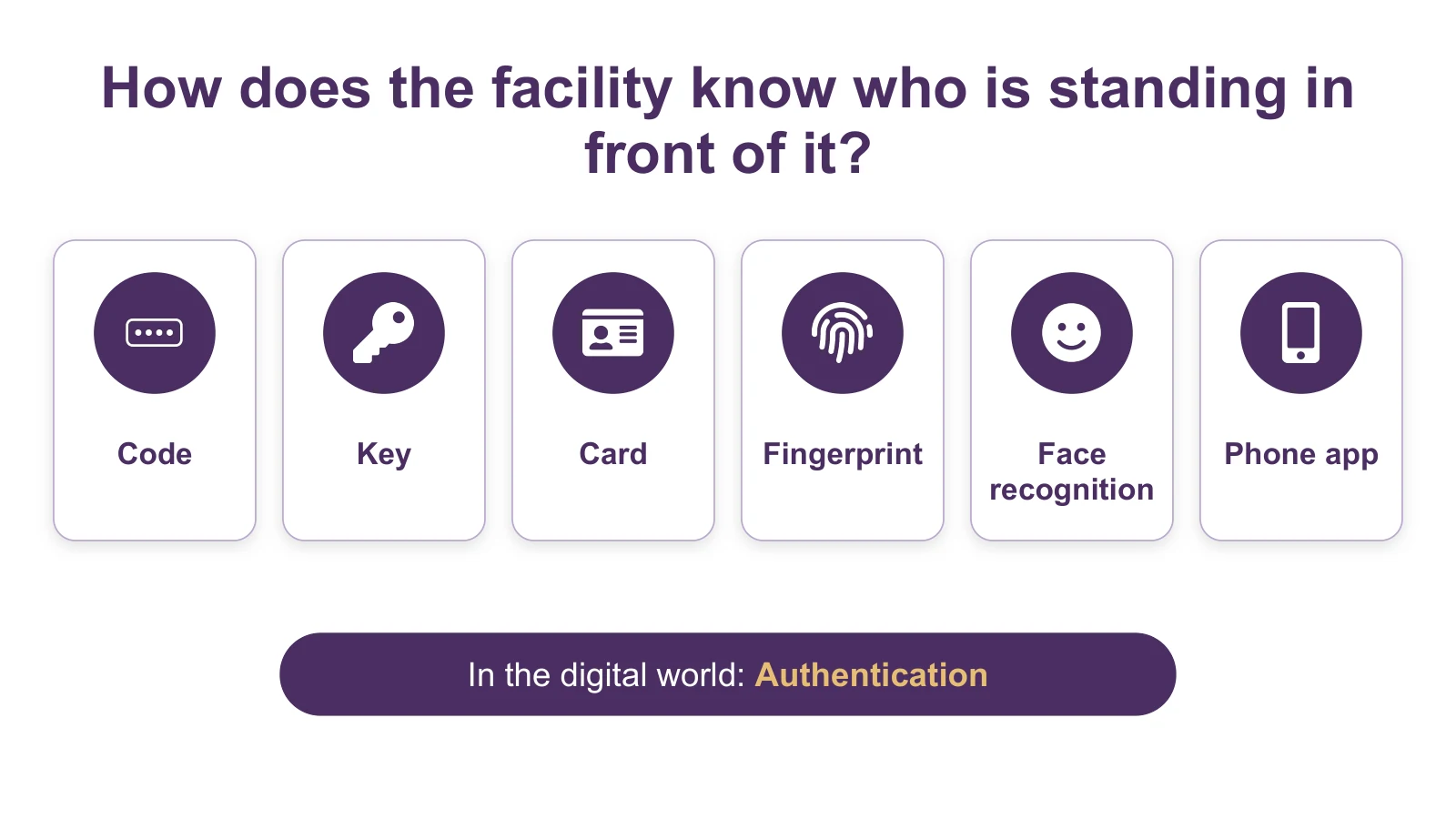
In the digital world this is called Authentication — identification (or identity verification): the check that "you really are who you say you are."
2. We identified you. Now what?
The facility identified me. Can I now open all 100 safes? Of course not. My safe opens, and the safe of someone else stays locked — even if I know the facility better than anyone in the world.
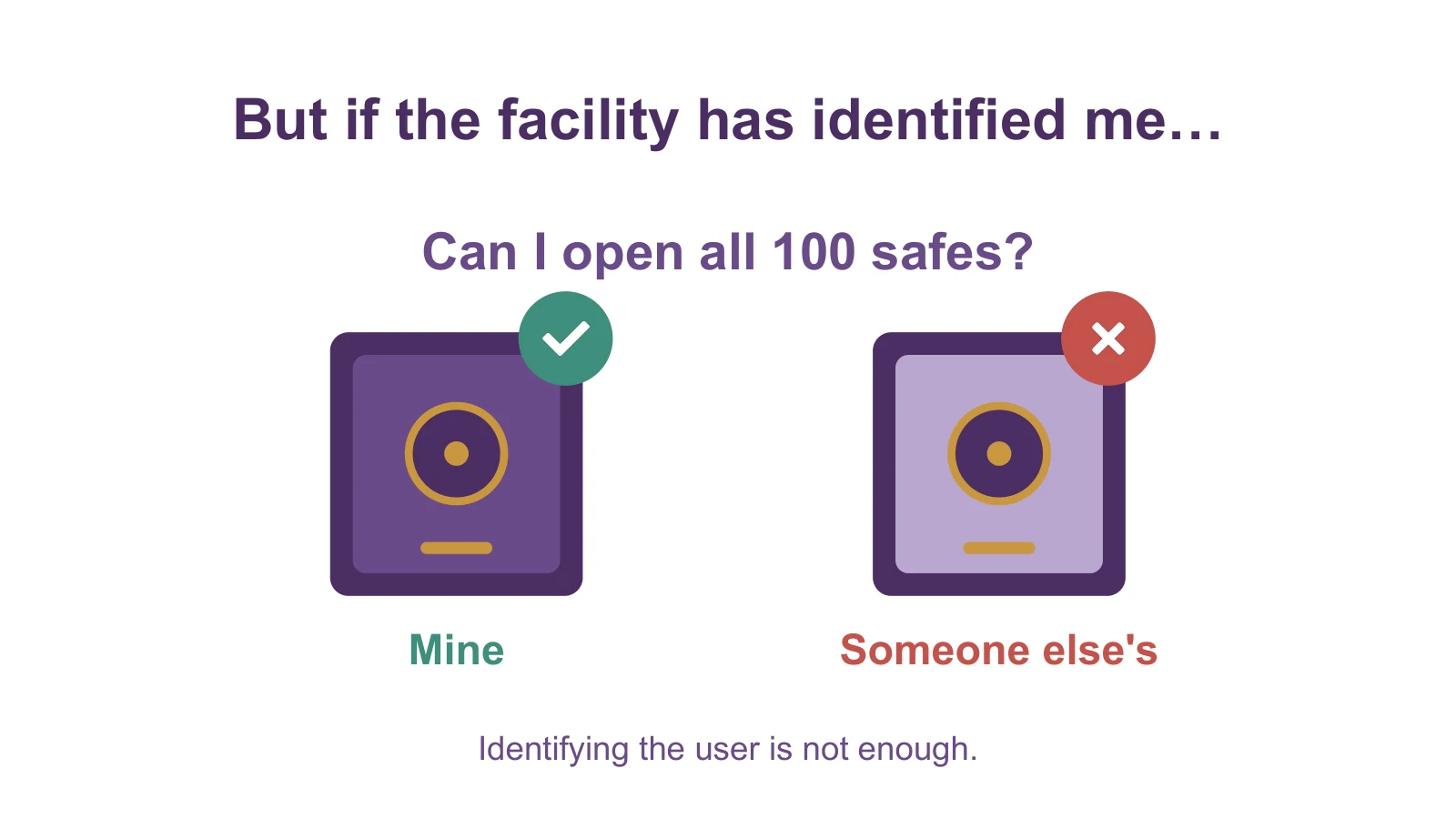
Identification alone isn't enough. The system has to know not only who I am, but also which data I'm allowed to access. When this check is missing in an app, it's the most common bug there is — Broken Object-Level Authorization.
3. What am I allowed to do?
Even among those who are allowed into the facility there are differences: a customer opens her own safe; an employee opens only the safes assigned to her; a manager manages the entire facility.
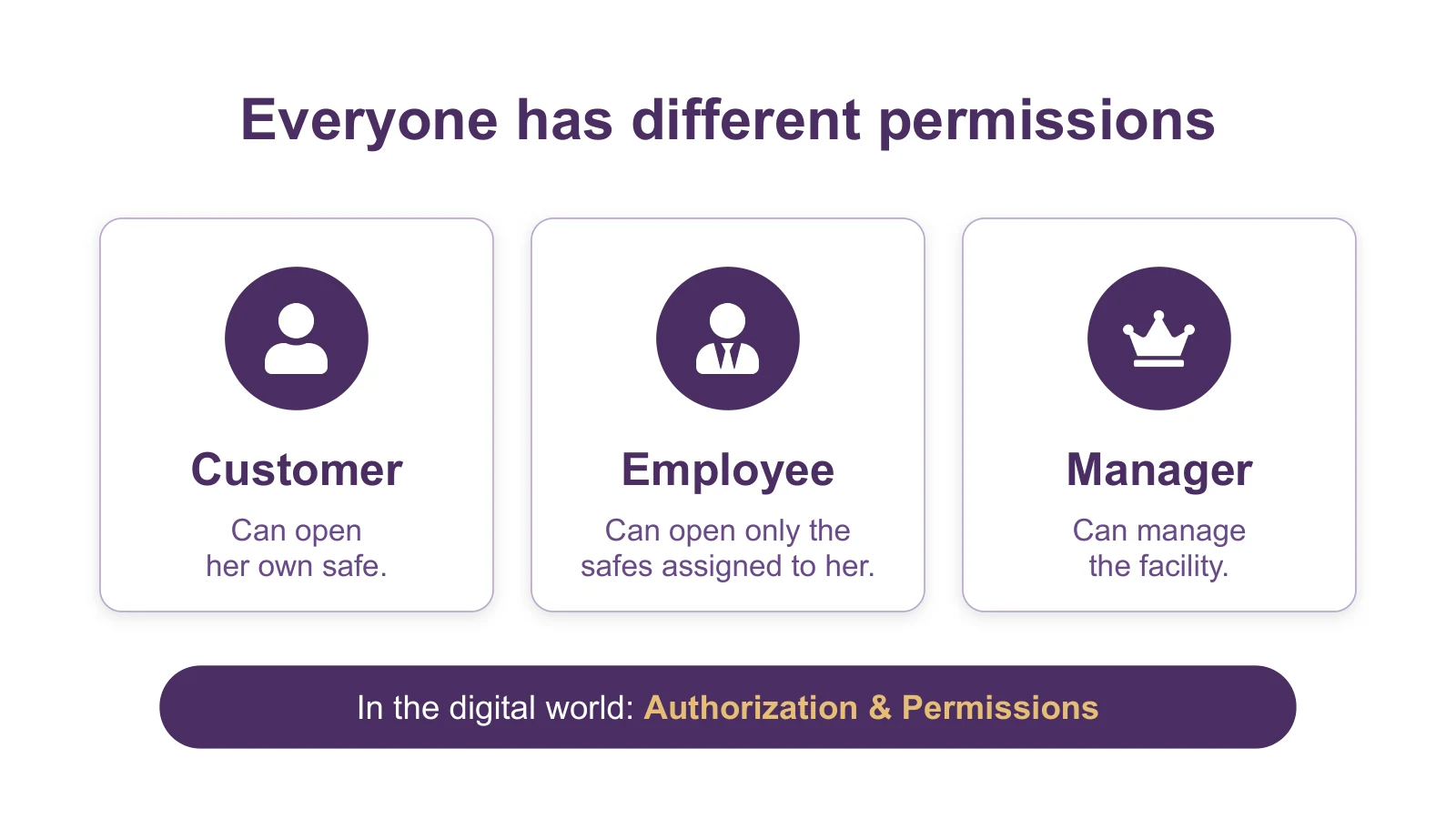
In the digital world: permissions (Authorization & Permissions). The difference is simple: identification answers "who are you?", and permissions answer "what are you allowed to do?".
4. And what if something suspicious happens?
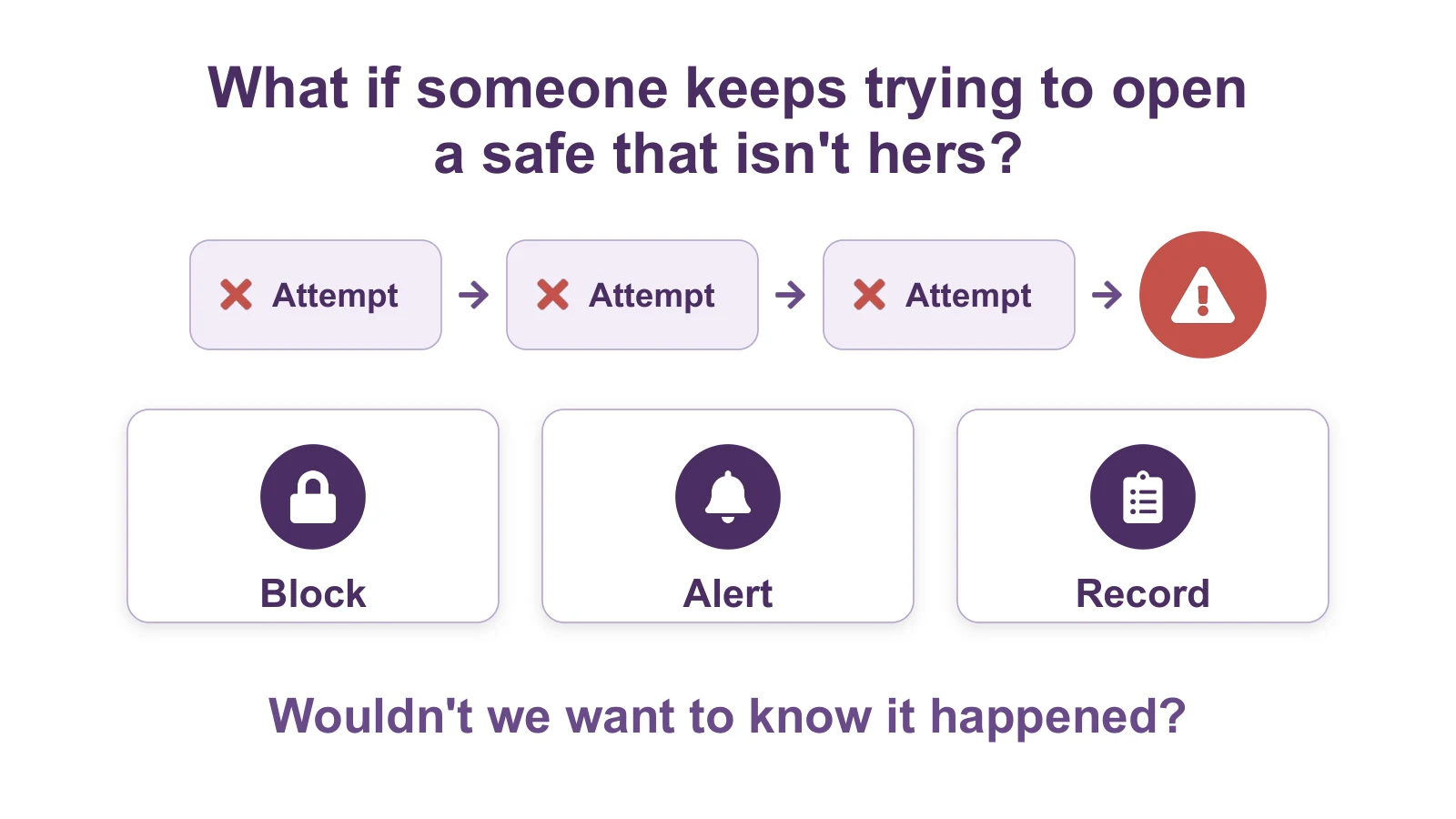
Someone keeps trying to open a safe that isn't hers. A good facility doesn't only prevent — it also blocks, alerts and records. And if we never find out it happened, we have no chance of responding.
In the post Enumeration with No Rate Limit you can see what happens when nobody stops repeated attempts.
5. And what if I forgot to lock it?
I opened the safe... and just walked away. A good safe locks itself after a while.
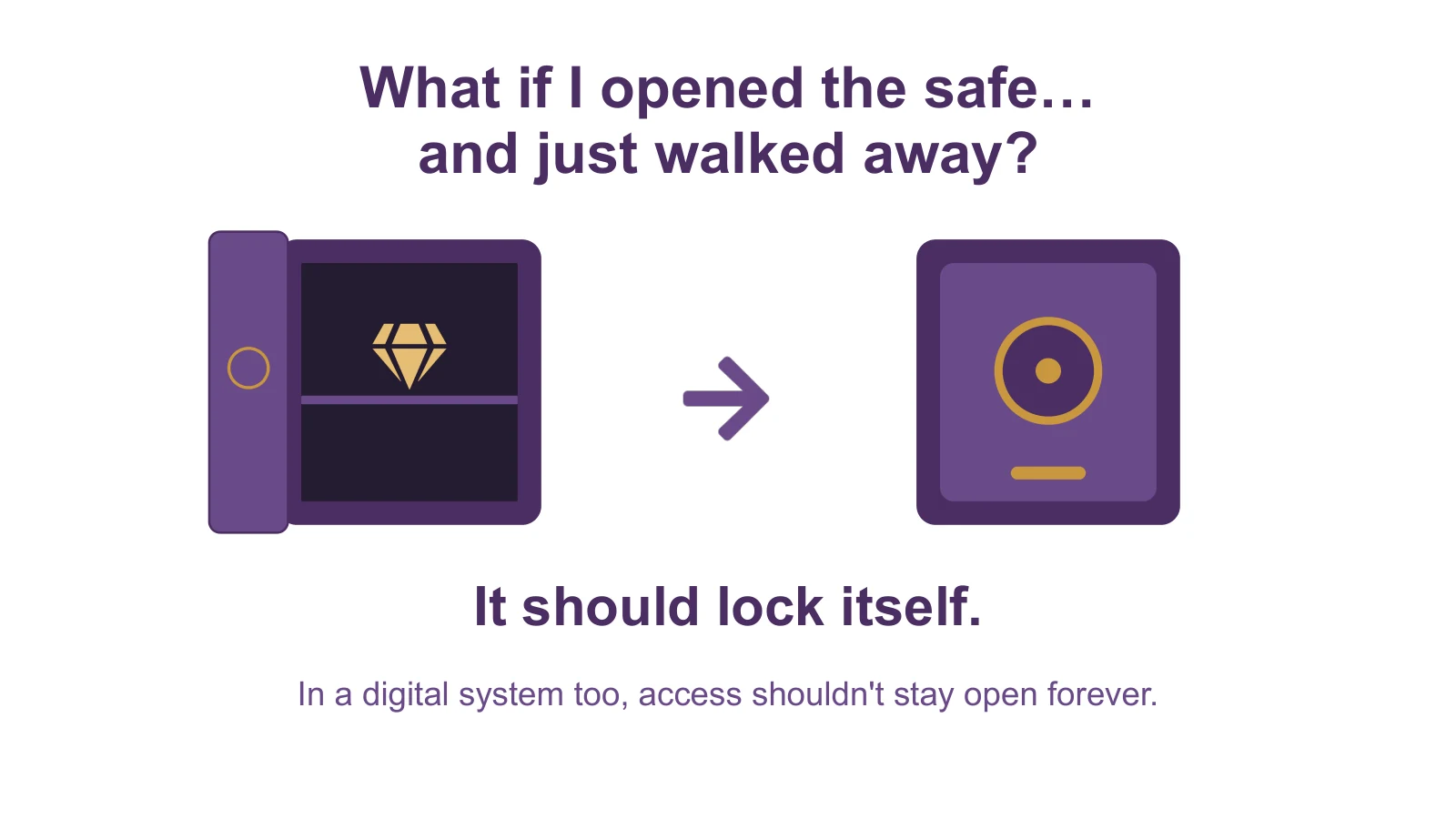
In a digital system too, access isn't supposed to stay open forever.
Now we replace the safe facility with an app
Everything we defined is exactly what a digital system has to do. The safe facility is what you can see with your eyes; the app is the same thing, only this layer can't be seen.
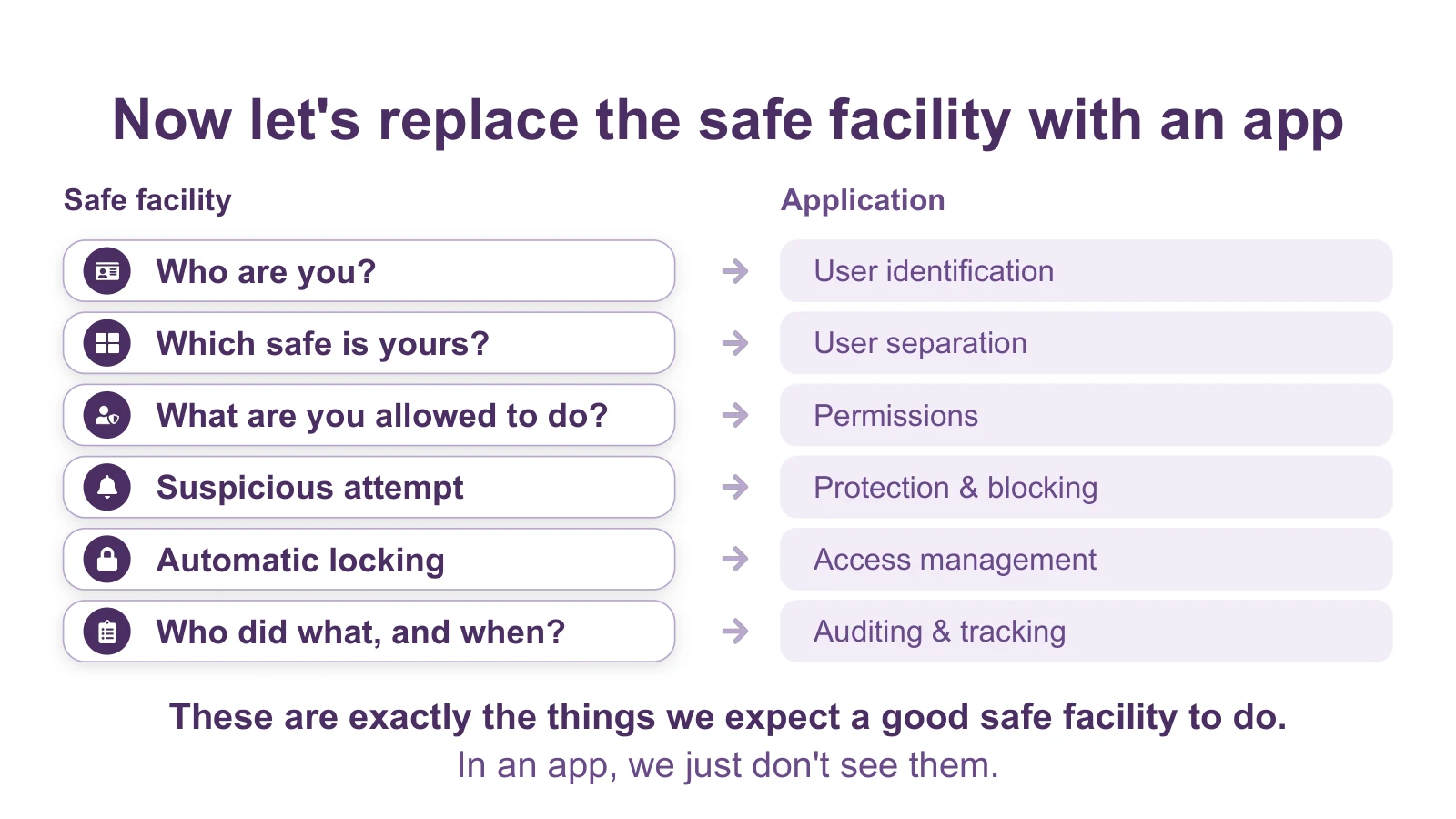
| Safe facility | Application |
|---|---|
| Who are you? | User identification |
| Which safe is yours? | User separation |
| What are you allowed to do? | Permissions |
| Suspicious attempt | Protection & blocking |
| Automatic locking | Access management |
| Who did what, and when? | Auditing & tracking |
These are exactly the things we expect a good safe facility to do. And in an app — we just don't see them.
And then AI arrived
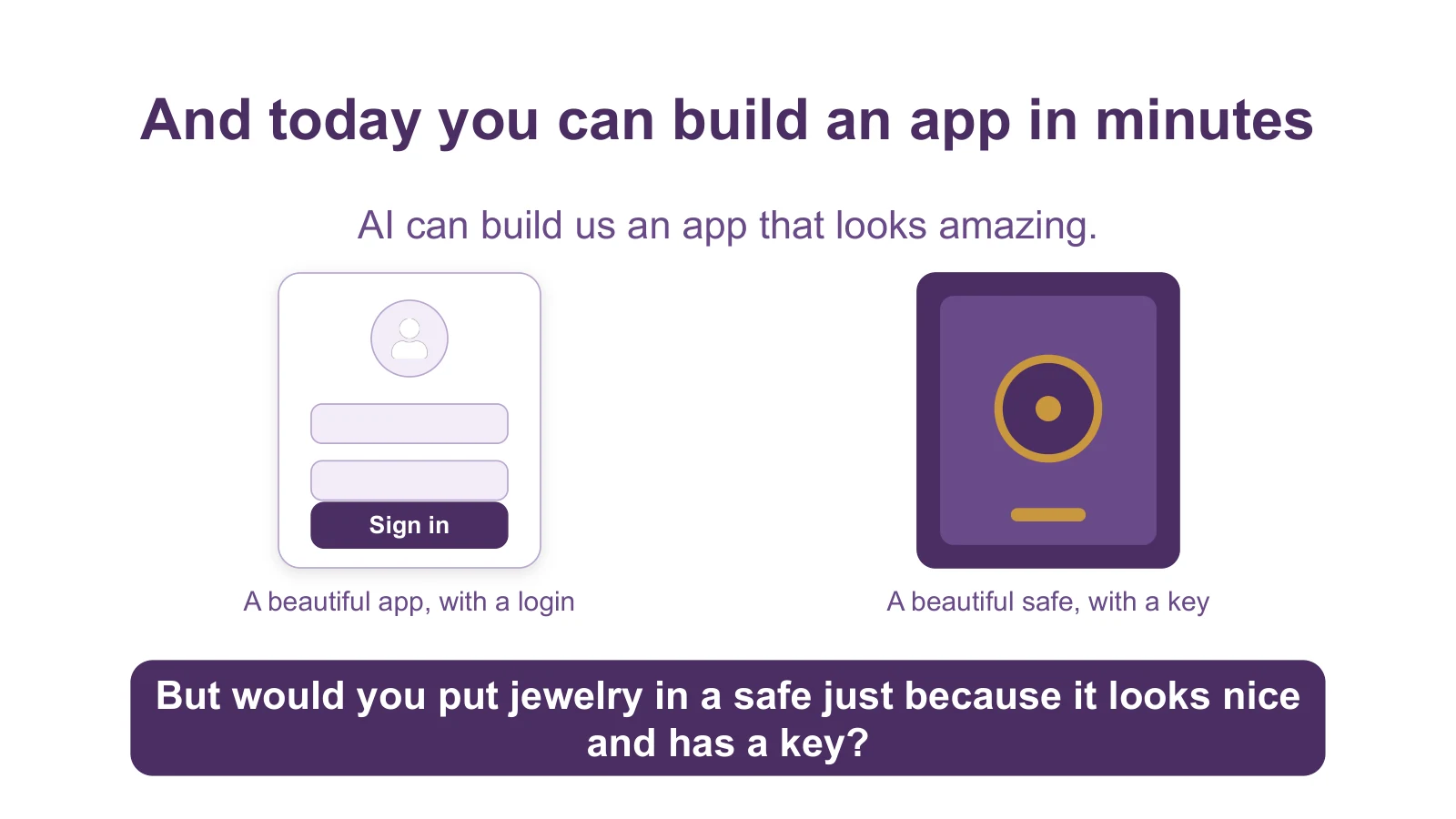
Today you can build an app in minutes, and AI can build an app that looks amazing. But would you put jewelry in a safe just because it looks nice and has a key? A good-looking exterior and a login don't prove that the product is secure. When you build fast, it's very easy not to see the security layer that sits underneath the product.
And what if the safe doesn't hold jewelry?
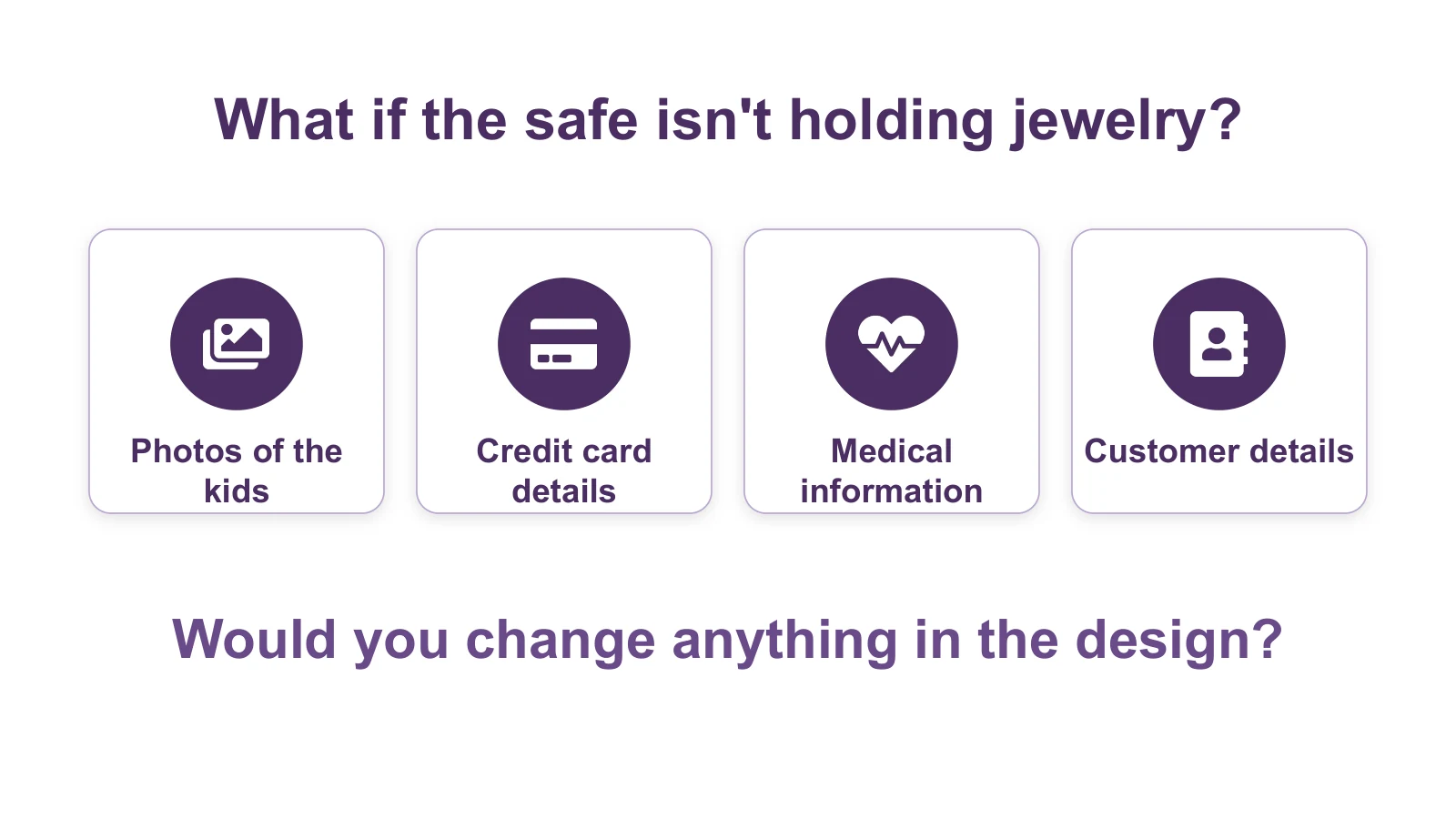
Imagine that these safes hold photos of the kids, credit card details, medical information and customer details. Would you change anything in the design of the facility? This is the moment when security stops sounding like a technology term and becomes something very tangible.
Security is part of the design
When we design a physical product, we understand intuitively that security is part of the product. If someone were selling us a safe facility, we'd want to know exactly how it makes sure that nobody can open someone else's safe.
In the digital world it's much harder to see this. We see a nice screen, buttons and a login, but we don't see everything that happens behind them.
Security isn't something you add to a product at the end. It's part of its design from the start. And if you hold other people's data — the responsibility to protect it is part of the product.
With secureFlows, every user of your app has a "safe" of their own — a private, isolated space for their data. Hit the button below and start building.
Start Building for FreeIcons in the illustrations: Font Awesome Free, licensed CC BY 4.0.